

Ugandan Ludo Game
Ludo Yaffe
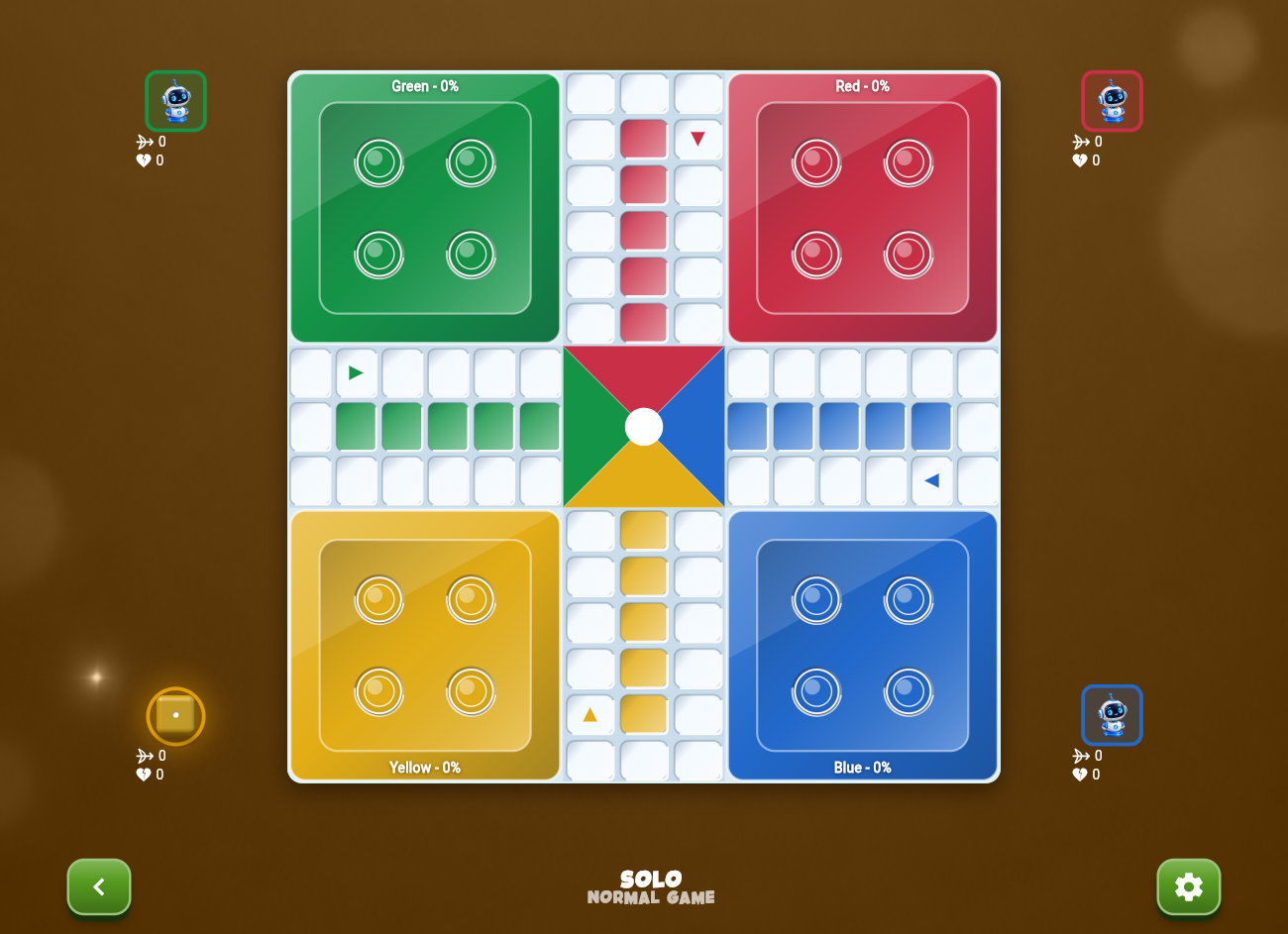
Meet Ludo Yaffe by Wallipah Games. Roll the dice, race your tokens home, and bring a little friendly rivalry to your next game night.
Optional Ludo accounts support Google, verified email and international phone verification. Ludo accounts are separate from Chanisi accounts. Guest play remains available; SMS delivery depends on region and provider limits.
Version 1.0.28+41 · Android 7+ (69.9 MB) · Windows 10 / 11 (64-bit, 24.2 MB). Computer and Local games work online or offline, with progress saved on your device. Finish a match and choose Play Again to start fresh with the same settings.
Ludo last updated:
Your table rules. Your company.
Choose Ugandan or Classic Stars rules. Challenge computer opponents, or pass one device between friends in local games with two to four players. Pick your seats and colors before the first roll.
Earn an extra roll when a token reaches home. Finish all four tokens to win. Browser progress is saved on the device so you can return to your round.
Loading and the home menu stay ad-free. In the browser, Google display ads appear below the playing area during a game. A lifetime VIP pass removes forced game ads. Mobile app ads may use different placements.
Start a round
- Open the browser game, install the Android APK, or run the Windows installer.
- Choose computer opponents or local pass-and-play.
- Select your rules and seats, then roll into the game.
Ludo questions
What is Ludo Yaffe?
Ludo Yaffe is Wallipah's Ugandan-style Ludo game. Play with familiar table rules, challenge the computer, or share a device with friends.
Can I play Ludo without installing an app?
Yes. Open Ludo in your browser on a phone, tablet or computer.
Can friends play together?
The current release supports local pass-and-play on one device for two to four players, as well as computer opponents.
Where do I download the official Ludo APK?
The Ludo Android APK is hosted directly on wallipah.com.
Can I download Ludo for Windows?
Yes. Download the Windows .exe installer for Windows 10 or 11 (64-bit). The installer includes everything needed to play; Computer and Local games work offline.
Fancy a card round?
Explore Chanisi, Uganda's Amatatu-style card game for your next match against the computer.